Create and edit with
Nano Banana 2.1.
OpenBanana is an image generator and editor powered by Nano Banana 2.1.
Create from a prompt, edit a reference, and download your next idea.
Create or edit your image
Reference optional · Add, drop or paste one image · PNG, JPG, WebP · Max 5 MB
One image per generation. Reference images are sent to the model to complete your edit.
A little direction.
A new possibility.
Describe an idea or bring a reference.
Your generated image will appear here.
- Text to image & reference edits
- 1K, 2K and 4K output
- Credit cost before you start
What will you make next?
Made with Nano Banana 2.1. Open an image, take the prompt, make it yours.
Less setup.
More making.
Gemini Nano Banana 2.1 supports image generation and reference editing. Start with one clear idea, review the result, and refine what matters.
- 01
Describe the direction
Name the subject, composition, lighting and style. For text in an image, include the exact words in quotation marks.
- 02
Add a reference, if you need one
Use a PNG, JPG or WebP under 5 MB. Say what should change and what should stay the same.
- 03
Set the shape and create
Choose a ratio and resolution. The credit cost appears before generation. Each request produces one image.
- 04
Download or keep editing
Save your result, or use it as a reference for your next edit. Signed-in users can return to recent generations.
How do reference edits work?
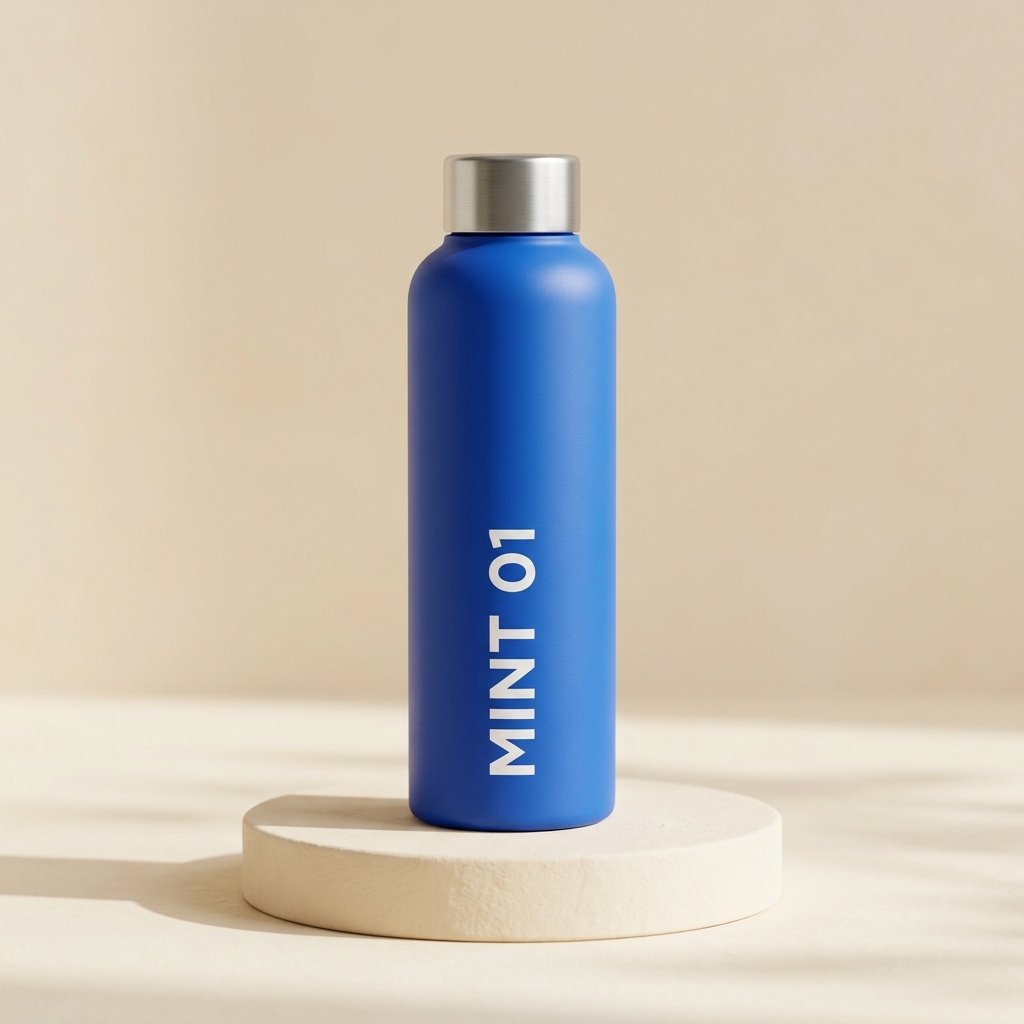
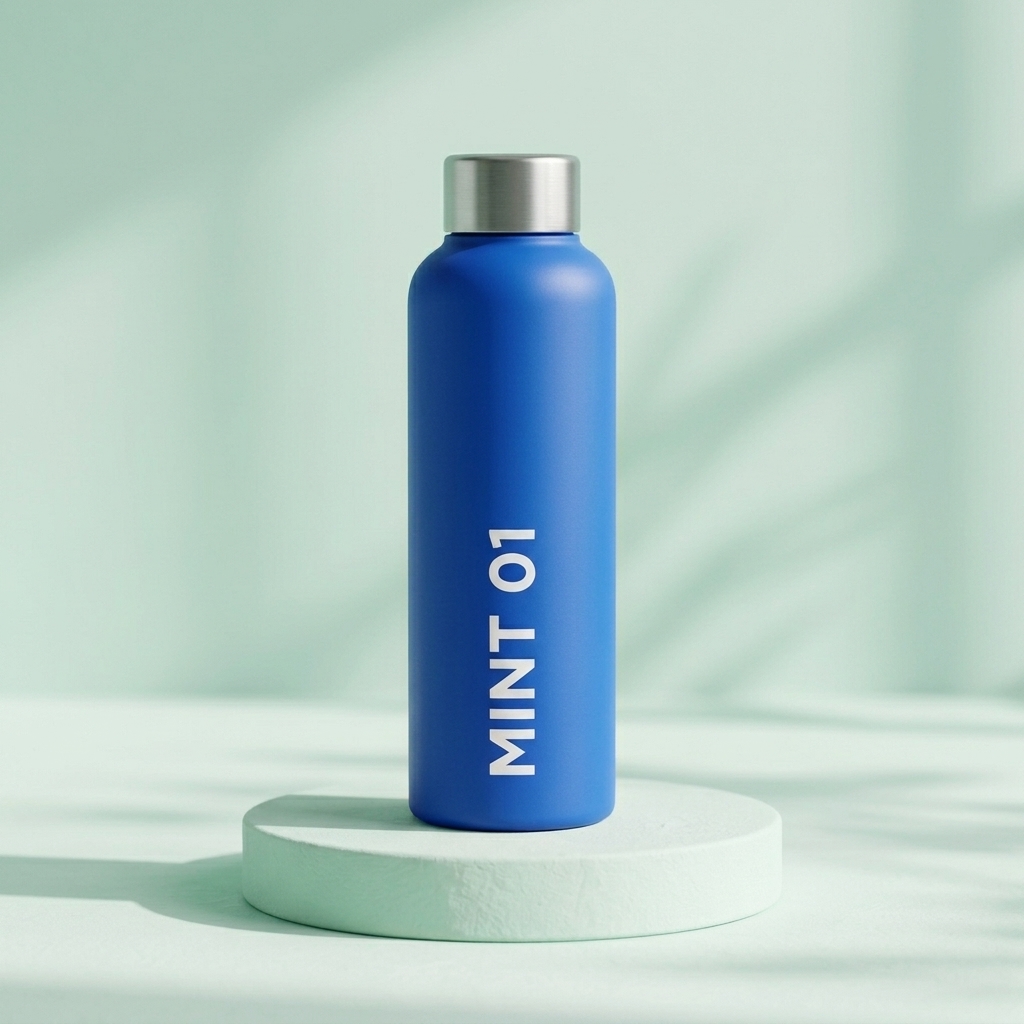
Upload an image and describe the change. In this test, Nano Banana 2.1 changed the background and pedestal from cream to mint while retaining the blue bottle, silver cap and MINT 01 label.
“Keep the blue bottle, silver cap and exact "MINT 01" label from the reference image. Change only the background and pedestal to a soft pale mint studio scene with diffuse window light. Do not add props or extra text.”Start a reference edit
How many credits will I need?
Each request creates one image. The studio uses 10 credits for 1K, 20 credits for 2K and 30 credits for 4K. Choose an output resolution to see the cost before submitting.
View subscription plans| Output | Credits per image |
|---|---|
| 1K | 10 credits |
| 2K | 20 credits |
| 4K | 30 credits |
What should I know before creating?
Can I try OpenBanana for free?
Verify your email to receive 15 welcome credits once, valid for 7 days. A 1K image uses 10 credits. No card is needed for the free trial.
What is Nano Banana 2.1?
Nano Banana 2.1 is Google’s Gemini image generation and editing model. OpenBanana is an independent image workspace that accesses it through APIMart’s 2.1 Ext route.
Can I edit an existing image?
Yes. Attach one PNG, JPG or WebP reference under 5 MB and describe your changes. You can also use a completed image from your own history as the next reference. Review labels, faces and other details before using the output.
How many credits does an image use?
One 1K image uses 10 credits, a 2K image uses 20, and a 4K image uses 30. Each request produces one image. The studio shows the credit cost before you submit.
What happens if generation fails?
A confirmed provider failure returns the reserved credits. If a submission or status check is interrupted, the saved task stays available to check again.
Are reference images published?
No. References are sent to APIMart to complete your request, and are not published in a gallery. Account history is visible only to its owner.
How long do image links last?
Image download links are temporary. Your completed task shows the available download window. Save a copy to your device when the image is ready.
Your next idea starts here.
Bring a few words. Leave with a new direction.